Breathe new life into your legacy Mac. Install modern macOS versions on unsupported hardware with full functionality, security updates, and performance enhancements. Free, open-source, and trusted by thousands worldwide.
Powerful software that extends the life of your beloved Mac
OpenCore Legacy Patcher (OCLP) is a sophisticated yet user-friendly application that enables unsupported Mac computers to run the latest versions of macOS. When Apple drops support for older Mac models, these machines lose access to new features, security updates, and modern applications. OpenCore Legacy Patcher solves this problem by creating a custom OpenCore bootloader configuration tailored to your specific Mac model.
Unlike other patching solutions, OCLP takes a comprehensive approach. It not only bypasses Apple's hardware restrictions during installation but also patches system components after installation to restore full functionality. This means your Wi-Fi, graphics acceleration, audio, and other hardware features continue working just as they did on officially supported macOS versions.
The project is built on OpenCore, the same bootloader technology used by thousands of Hackintosh users worldwide. However, OCLP is specifically optimized for genuine Apple hardware, making it safer and more reliable than generic solutions. The development team at Dortania maintains extensive hardware databases and regularly updates the patcher to support new macOS releases, ensuring your legacy Mac stays current and secure.

Everything you need to run modern macOS on older hardware
OpenCore Legacy Patcher supports an extensive range of Mac models dating back to 2008. From MacBook Air to Mac Pro, iMac to Xserve, OCLP brings modern macOS to hardware Apple no longer officially supports. The patcher automatically detects your Mac model and builds an optimized configuration.
Enjoy smooth animations, window effects, and responsive performance with full Metal graphics acceleration. OCLP patches legacy GPU drivers to enable hardware acceleration on older graphics cards, providing a native macOS experience with Transparency effects, Mission Control, and even support for external displays.
Keep your wireless connectivity working perfectly. OpenCore Legacy Patcher includes patches for legacy Broadcom and Atheros Wi-Fi cards that Apple removed from modern macOS. This means your AirDrop, Handoff, Continuity, and all wireless features continue functioning normally on your patched system.
Receive security patches and updates directly from Apple through System Preferences, just like officially supported Macs. OCLP enables the native Software Update mechanism, ensuring your Mac stays secure with the latest patches. After major updates, simply re-run Root Patching to maintain hardware functionality.
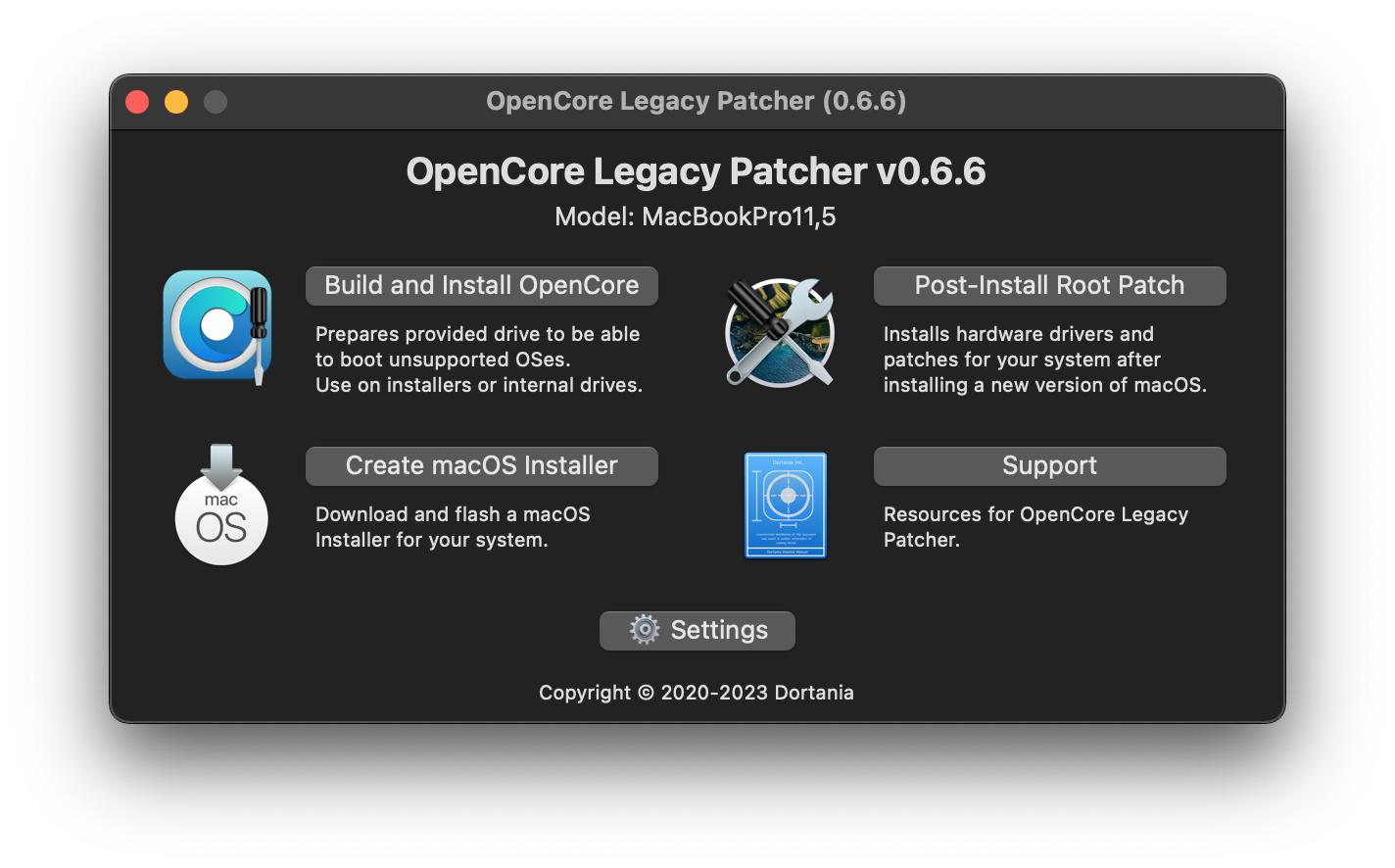
No command line expertise required. The intuitive graphical application guides you through each step with clear instructions and helpful explanations. Build your OpenCore EFI, install macOS, and apply root patches all from an easy-to-navigate interface designed for users of all technical levels.
OpenCore Legacy Patcher is designed with safety in mind. It creates a separate EFI bootloader partition without modifying your existing macOS installation during the initial setup. If you ever want to revert, simply remove the OpenCore bootloader and your Mac returns to its original state. Always back up your data before making system changes.
A simple three-phase process to modernize your Mac
The first phase involves creating a customized OpenCore bootloader specifically configured for your Mac model. Launch the OCLP application, which automatically detects your hardware specifications including CPU, GPU, and other components. The patcher then builds an optimized EFI folder containing bootloader files, kexts (kernel extensions), and configuration files tailored to bypass Apple's hardware restrictions.
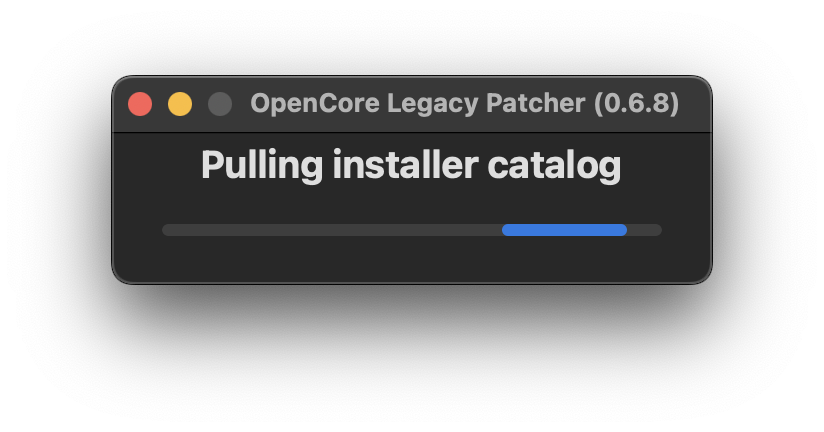
With your OpenCore EFI prepared, the next phase is installing macOS. OCLP can download official macOS installers directly from Apple's servers for versions like Sequoia, Sonoma, Ventura, Monterey, and Big Sur. Create a bootable USB installer, install the OpenCore EFI to its EFI partition, and boot your Mac from the USB drive. The OpenCore bootloader will bypass hardware checks, allowing you to install macOS normally through the standard installer.
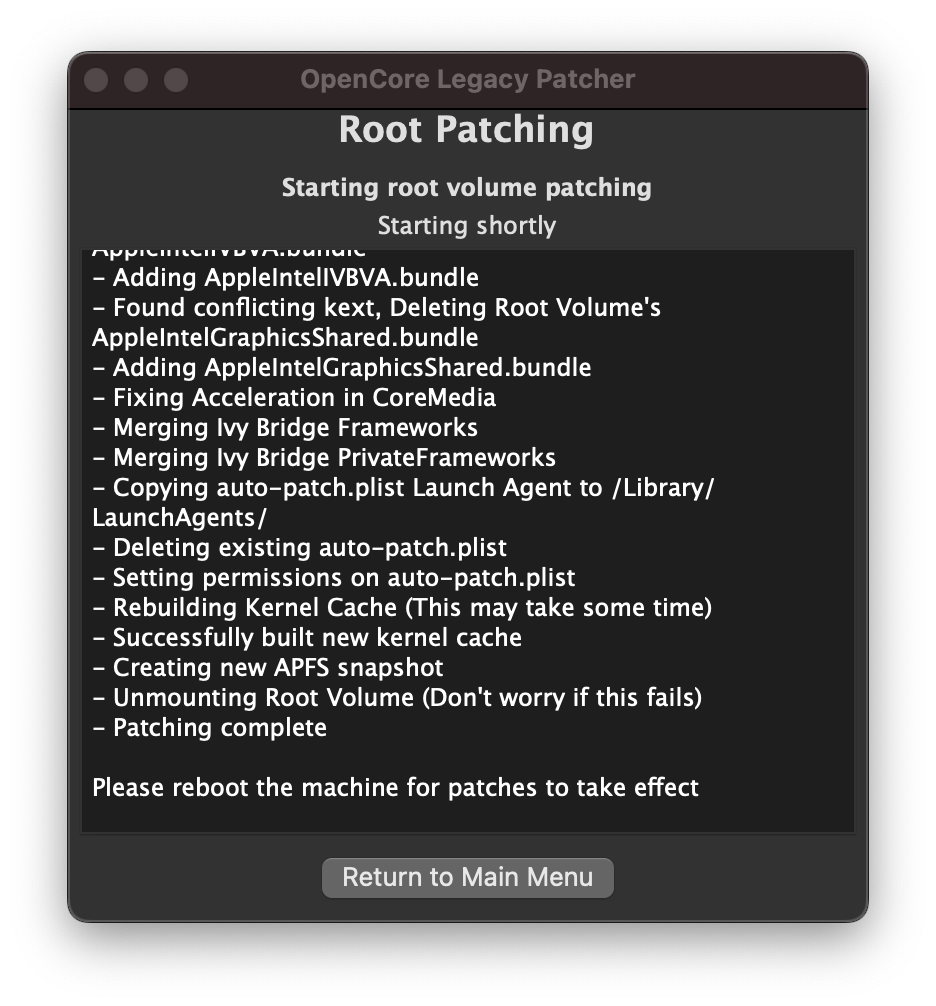
After macOS installation completes, the final phase restores full hardware functionality through Root Patching. This process patches system files to re-enable drivers and frameworks that Apple removed for legacy hardware. Root patches restore Wi-Fi connectivity for old Broadcom cards, enable graphics acceleration for legacy GPUs, fix audio issues, and activate features like AirPlay and Continuity. After patching, your Mac functions like an officially supported model with all features working.
Install the latest macOS releases on your legacy Mac
The latest macOS version with new productivity features, enhanced security, and refined user experience. Full support for compatible legacy Macs.
Modern macOS with widgets, game mode, and enhanced video conferencing features. Excellent compatibility with a wide range of Mac models.
Continuity Camera, Stage Manager, and improved multitasking. Great balance of features and compatibility for older Macs.
Universal Control, AirPlay to Mac, and Focus modes. Recommended for Macs from 2012-2014 for optimal performance.
The first macOS with Apple Silicon support and redesigned interface. Best choice for older Mac models from 2009-2012.
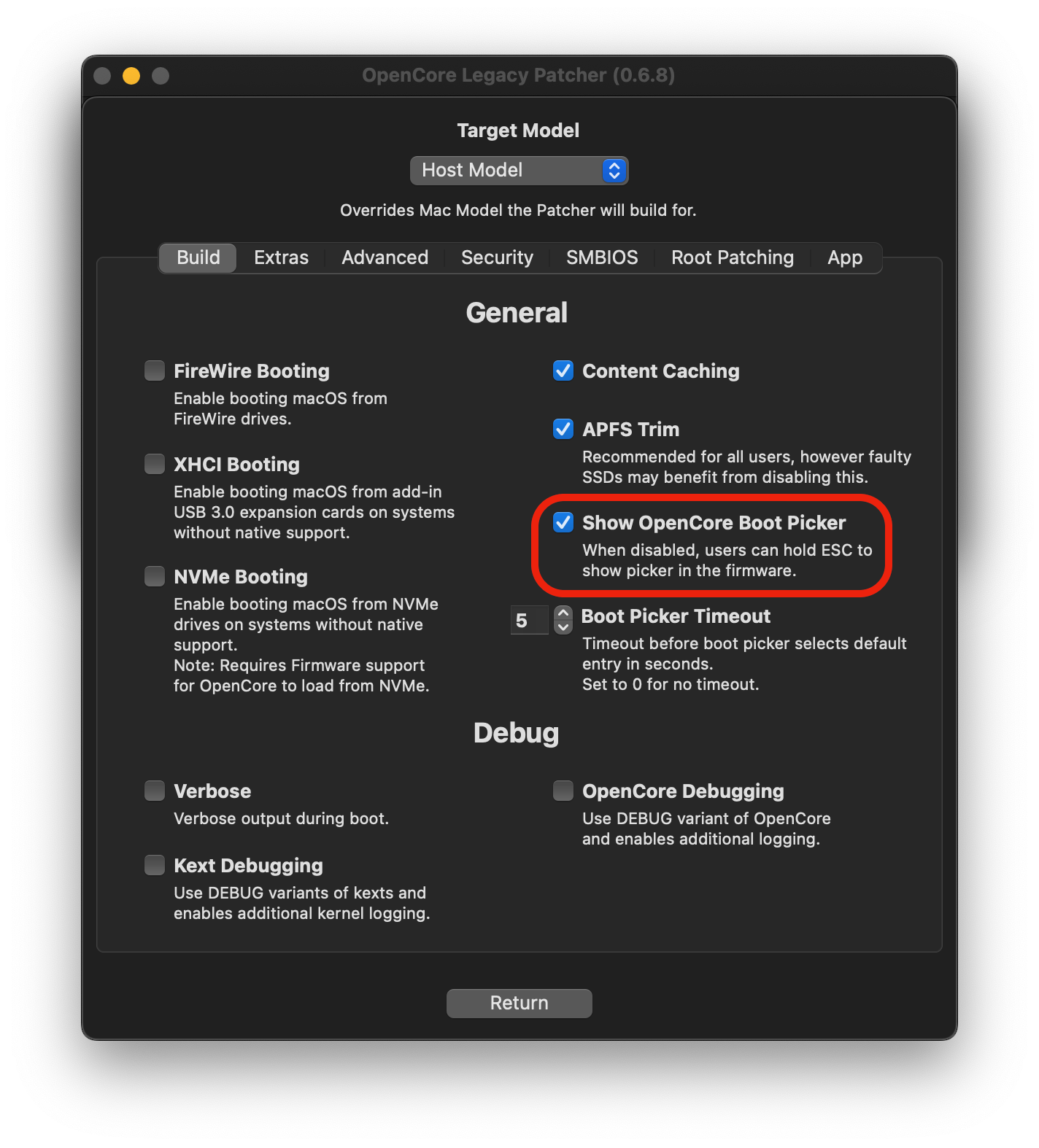
Screenshots from the application interface
Common questions about OpenCore Legacy Patcher
Download OpenCore Legacy Patcher today and bring your legacy Mac back to life with the latest macOS features, security updates, and performance improvements.